Getting Started
STK's Analyzer capability is a tool for performing trade studies on STK Scenarios.
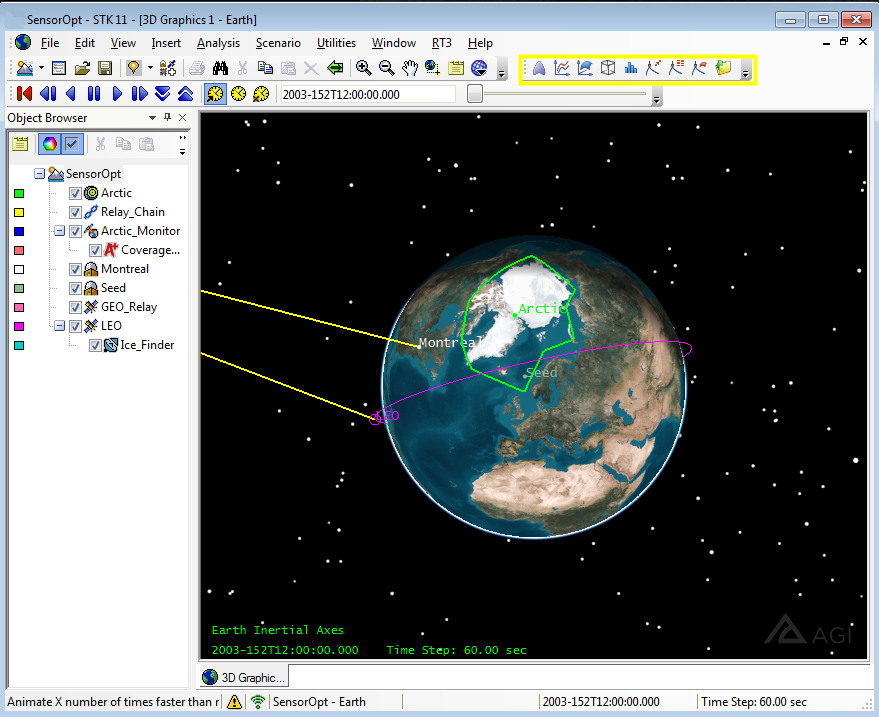
The Analyzer capability supports the following trade study types:
Each trade study tool window shares a common look and feel. A Component Tree is displayed on the left side of the window. This tree displays all the parameters available for use in trade studies within the Analyzer capability. The right side of each trade study window contains fields for setting up the trade study. To specify variables, drag them from the Component Tree and drop them into the appropriate fields.
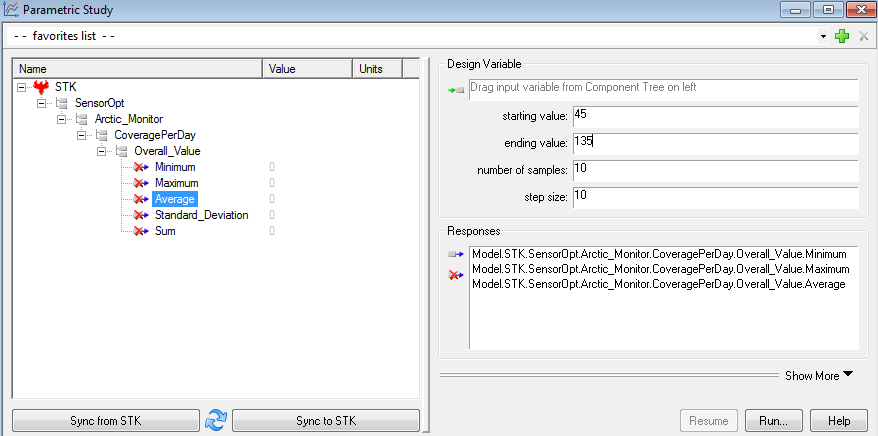
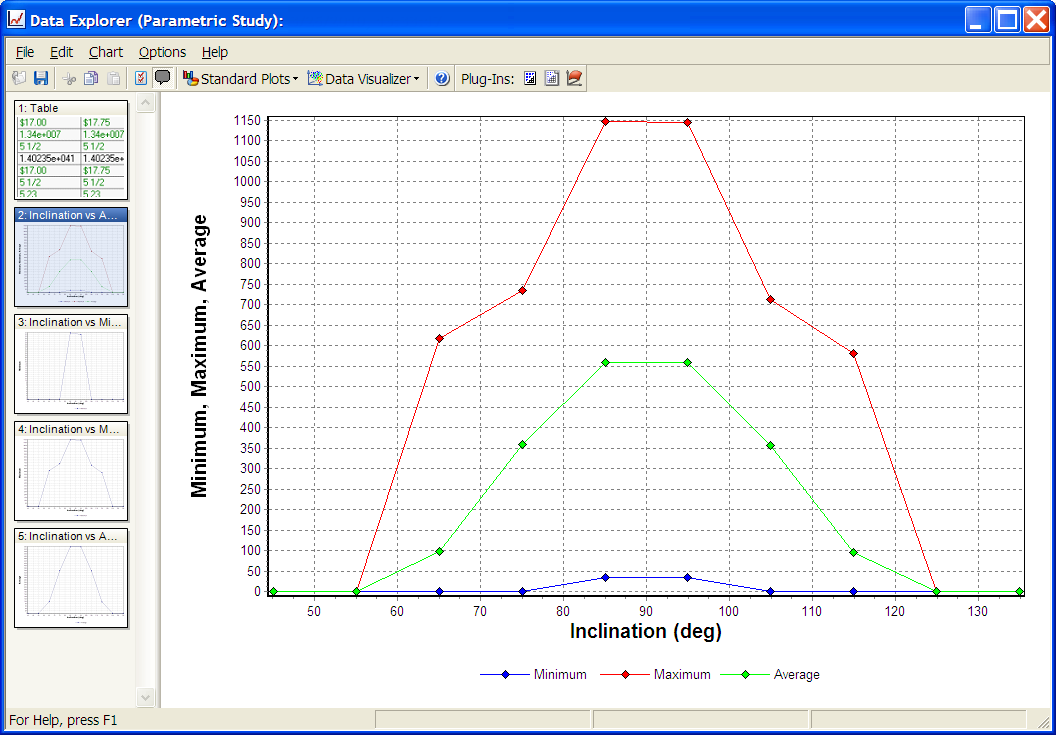
To perform a study, press the run button. This will cause a Data Explorer window to appear which contains the data and plots collected for the trade study.
See Also Tutorials